
Interface
ccusage belongs in the terminal and is ideal for developers who already live there. T4B puts the signal in the Mac menu bar so it stays visible while you work in Claude Code, Cursor, browsers, and terminals.
ccusage is a widely used command-line tool for analyzing local agent usage and costs. Tokens 4 Breakfast is for builders who want that kind of awareness in a polished macOS menu bar app, plus subscription tracking, budgets, and provider-level context.
The point is not to pretend every alternative is bad. It is to make the tradeoff obvious for a Mac builder who needs a live operating signal.
ccusage belongs in the terminal and is ideal for developers who already live there. T4B puts the signal in the Mac menu bar so it stays visible while you work in Claude Code, Cursor, browsers, and terminals.
A CLI gives accurate answers when you run it. A menu bar utility changes behavior during the session by showing spend, rate-limit pressure, and subscription totals before the work drifts.
T4B is built around the mixed reality of modern AI spend: usage-based provider costs plus fixed subscriptions. That makes it useful even when the expensive part is not one CLI session.
ccusage is a better fit for people who enjoy scripting and terminal workflows. T4B is a better fit when you want a finished Mac app that a non-tooling-focused builder can understand quickly.
Use ccusage when
You want a free CLI, care about local agent cost analysis, and prefer terminal output or scripting over a visual Mac interface.
Use T4B when
You want a native macOS GUI, menu bar visibility, subscriptions, budgets, and a Free plan before deciding whether Pro is worth it.
Feature-by-feature
| Feature | ccusage | Tokens 4 Breakfast |
|---|---|---|
| Interface | Command-line tool. You run it in the terminal to get a usage report on demand. | Native macOS menu bar app. The live number stays in front of you while you work — no command to run. |
| Providers covered | Focused on Claude Code and local agent usage read from session logs. | Eleven providers in one view: Claude Code, Claude Web, Cursor, Codex, GitHub Copilot, Anthropic API, OpenAI, Grok, DeepSeek, Mistral, and OpenRouter (Gemini: coming soon). |
| Live vs on-demand | Accurate the moment you run it, but you have to remember to check. | Always-on menu bar display with month-end spend forecasting and Claude Code rate-limit pressure. |
| Subscriptions & budgets | Usage analysis is the job; fixed subscriptions and per-provider budgets are out of scope. | Adds AI subscription totals, per-provider budgets, and Focus Mode session caps alongside usage. |
| Price & setup | Free and open source; assumes you are comfortable with Node and the terminal. | Free plan for one provider; $14.99 one-time unlocks all eight. About two minutes to set up, no terminal. |
Most alternatives focus on one slice — a single provider or a limit indicator. Tokens 4 Breakfast is designed around total AI spend, subscriptions, providers, and the Mac menu bar workflow.
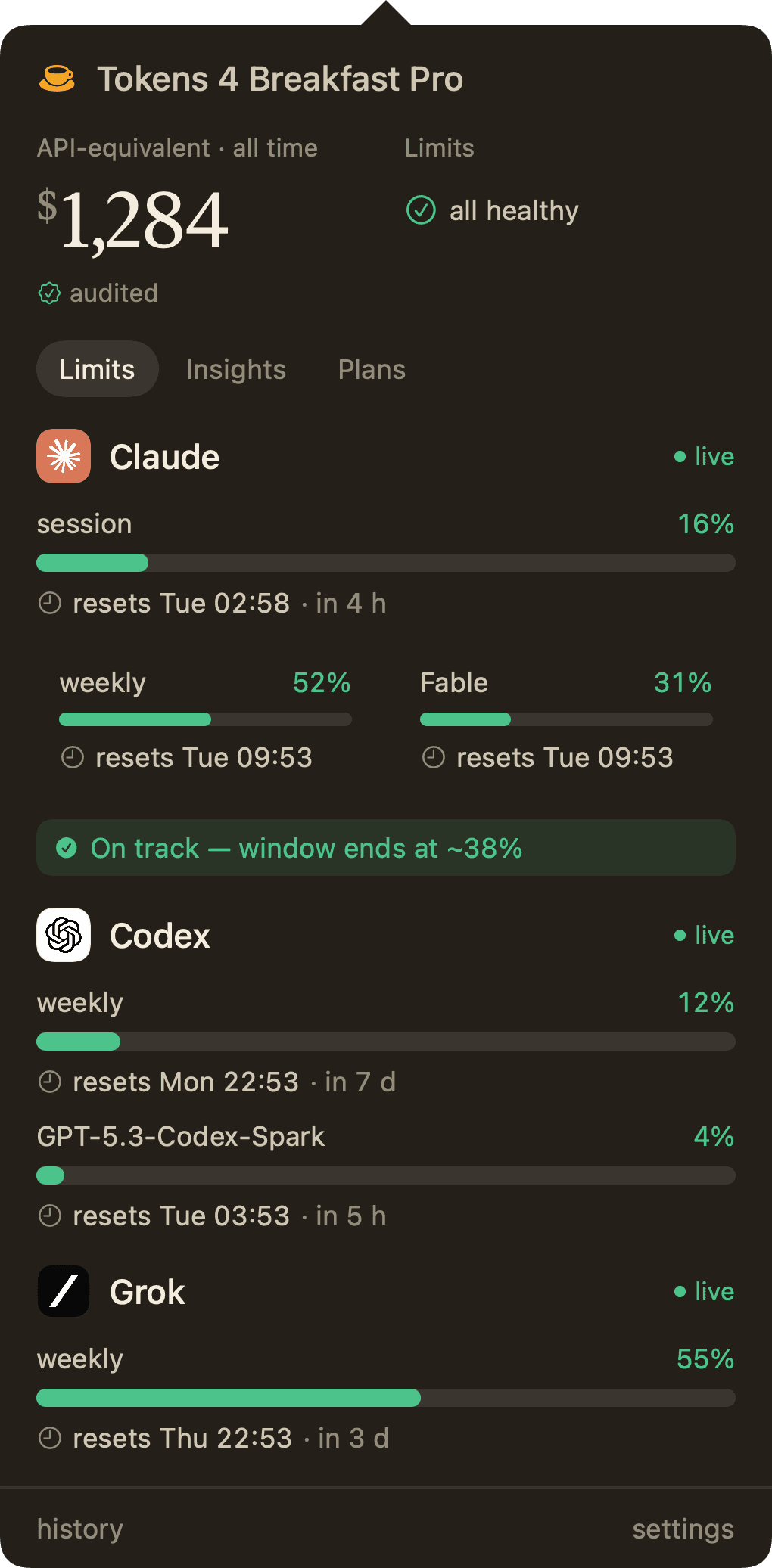
Live spend, Focus Mode, the seven-day chart, and subscription totals stay visible without opening a terminal.
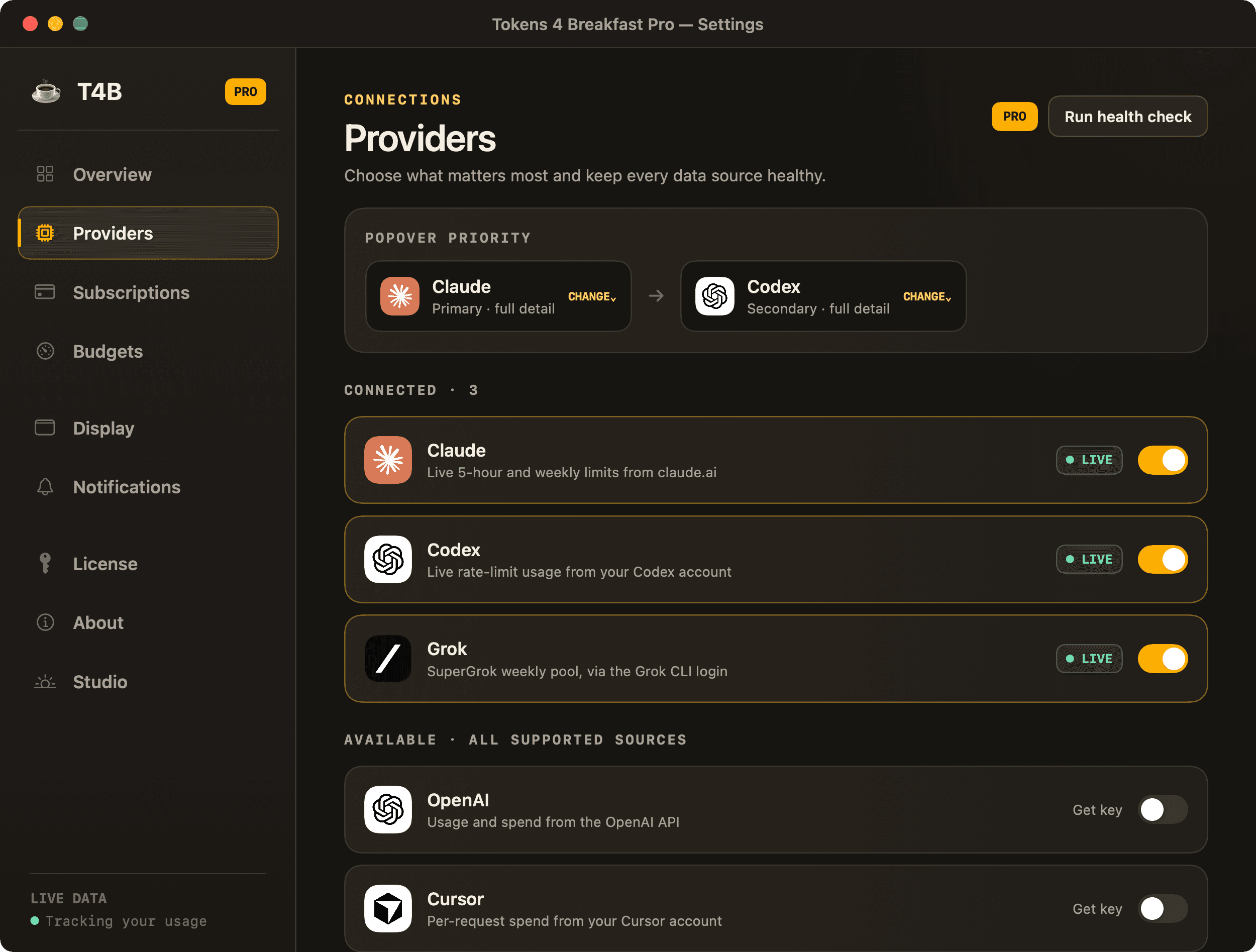
Claude Code, OpenAI, Cursor, Copilot, DeepSeek, Mistral, and OpenRouter connect in one local Mac app (Gemini: coming soon).
Privacy-first analytics
We use optional analytics to understand aggregate website usage and make the product easier to discover. Google Analytics only loads after you accept. No account data, app data, or personal AI usage is sent, and you can change your choice anytime.
Read the privacy policy